
 SeatIn by Panstratan
Welcome every guest by name
Fast, paperless check-in for seated events. Your guest list, floor plan and live attendance on every tablet at the door.
Free for now · no event limits
 App Store — coming soon
A look at SeatIn
How it works
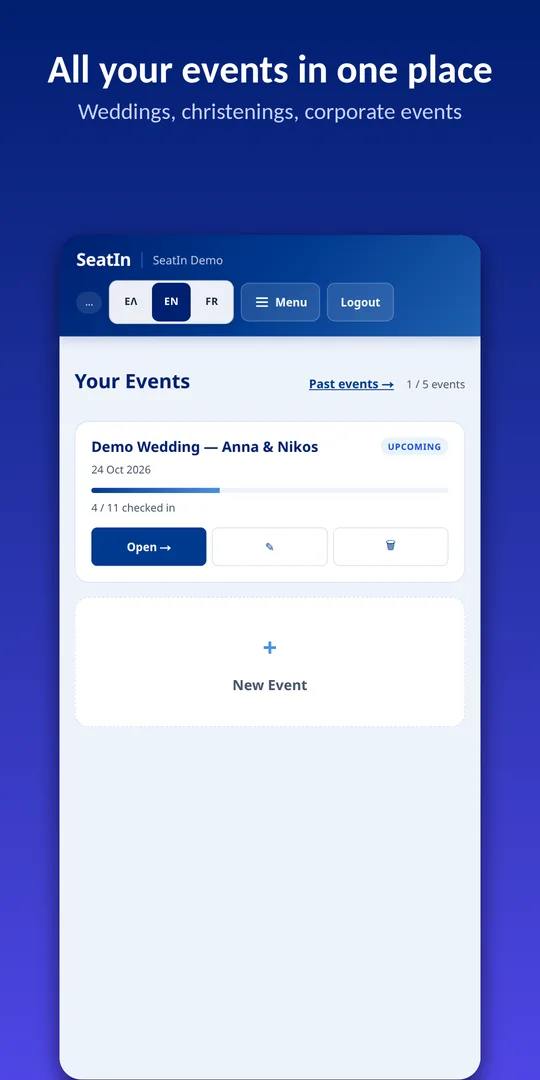
Create your event
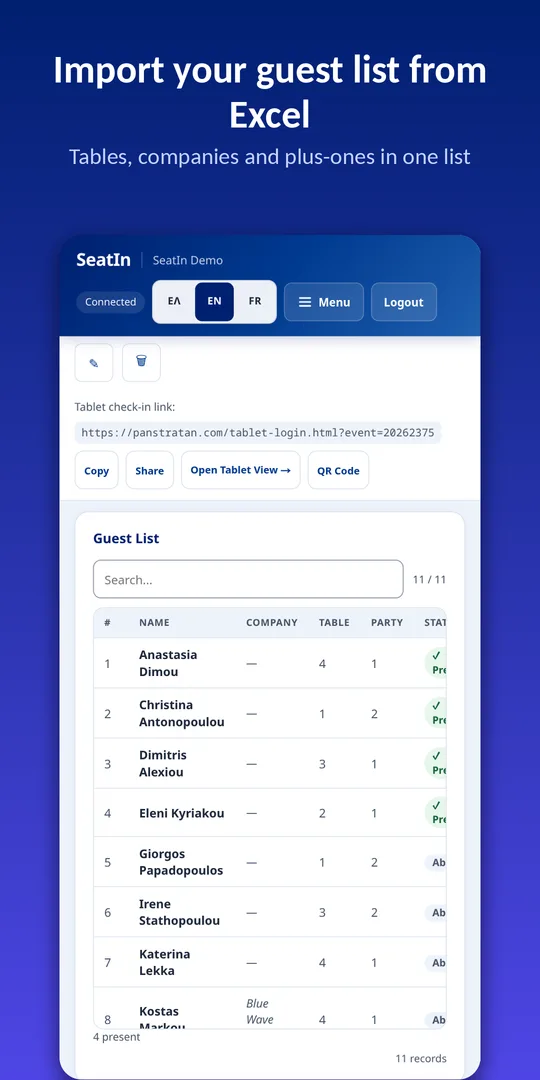
Import your guest list from Excel, or email it to SeatIn.
Arrange your tables
Draw your floor plan, or keep a simple check-in list without tables.
Connect your tablets
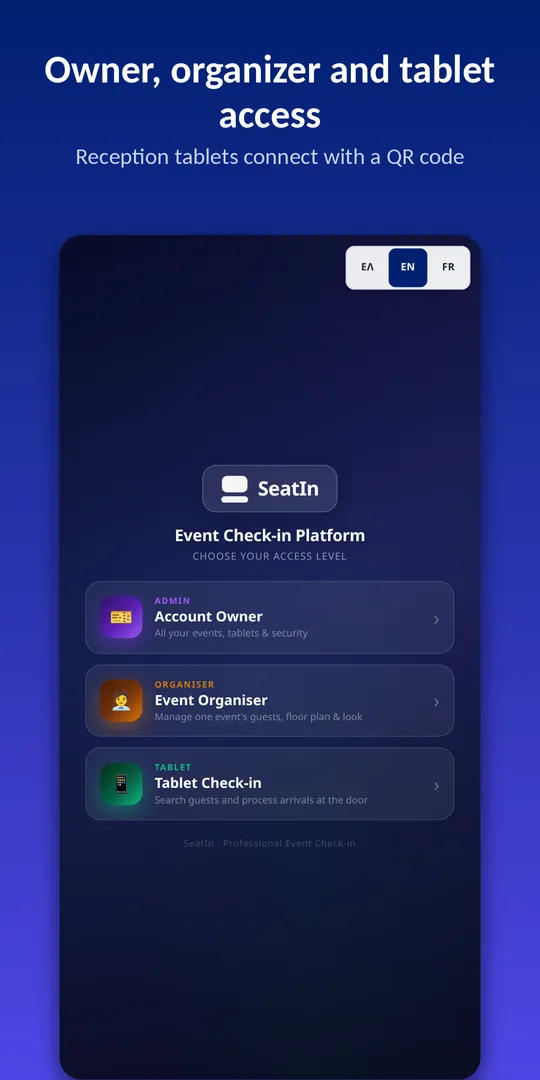
Scan the QR code and start welcoming guests.
Who it is for
Weddings and christenings
Guests find their table straight away, plus-ones included.
Corporate events
Conferences, launches and dinners with a guest list, named entry and a report at the end.
Galas and charity dinners
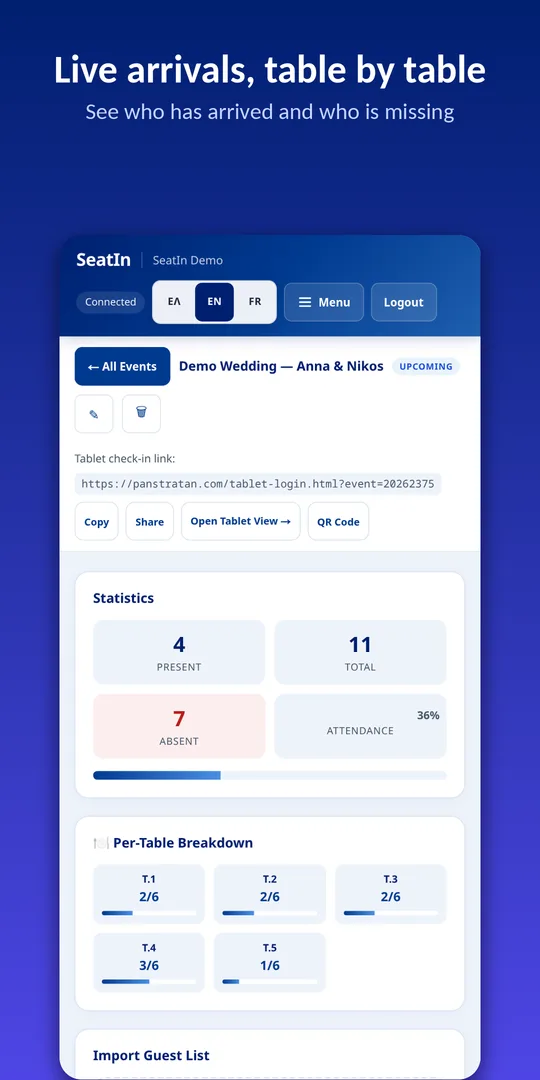
Full tables, overbooking alerts and a live view of the room.
Venues and planners
One account for all your events, with separate access for your coordinators.
What's included
- Check-in from many tablets, synced in real time
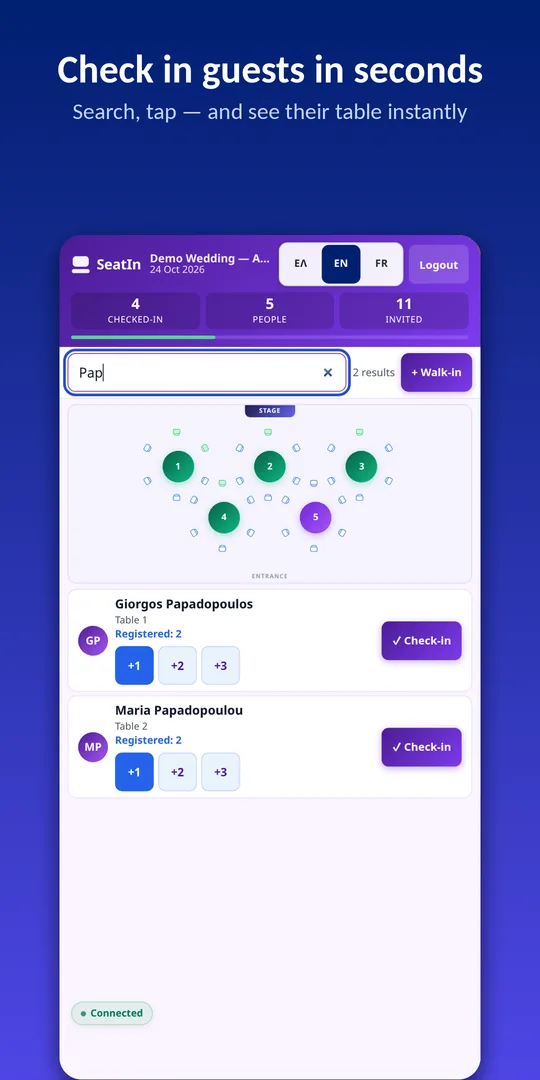
- Search in Greek and Greeklish ("Papadop" → "Παπαδόπουλος")
- Floor plan with occupancy per table
- Plus-ones, children and walk-ins at the door
- Excel import and export, automatic reports
- Your event logo and background on the tablets
- Two-factor authentication, data kept in the EU
- Greek, English and French
Frequently asked questions
Does it cost anything?
No. SeatIn is currently free, with no event limits. We will give at least 30 days' notice before introducing any charges.
Do guests need the app?
No. Only you and your team at the door use it. Guests just say their name.
Which devices does it run on?
The Android app for phones and tablets, and any modern browser on a computer, iPhone or iPad. The iPhone and iPad app is coming soon.
How do I bring in my guest list?
From an Excel file (full name and, optionally, table), by email, or by adding guests one by one.
Does it work offline?
An internet connection is required. Before each event we recommend exporting your list and keeping a copy.
Where is my data stored?
On servers in the European Union (Frankfurt). See the privacy policy for details.
Ready for your next event?
Create an account in a minute and try it with the sample guests.
Start for free